

Metalshub Relationships
One Workspace for Managing Counterparties with Clarity and ControlOne Workspace for Managing Counterparties with Clarity and Control
- Full visibility of counterparties
- Product-level relationships
- Risk, compliance, and contacts in one place
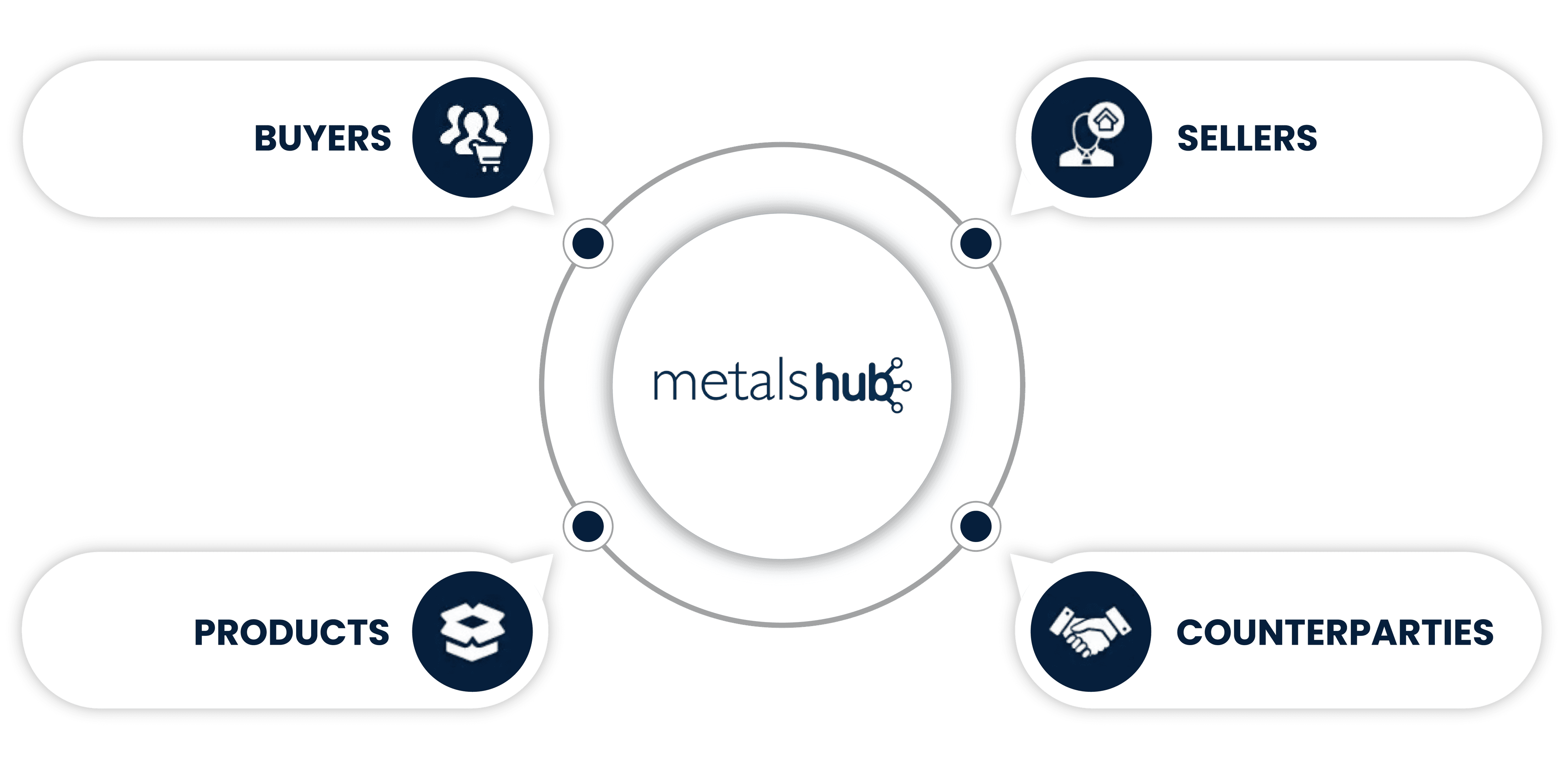
Metalshub Relationships
How it Works in PracticeHow it Works in Practice
Create and own your counterparty relationships.
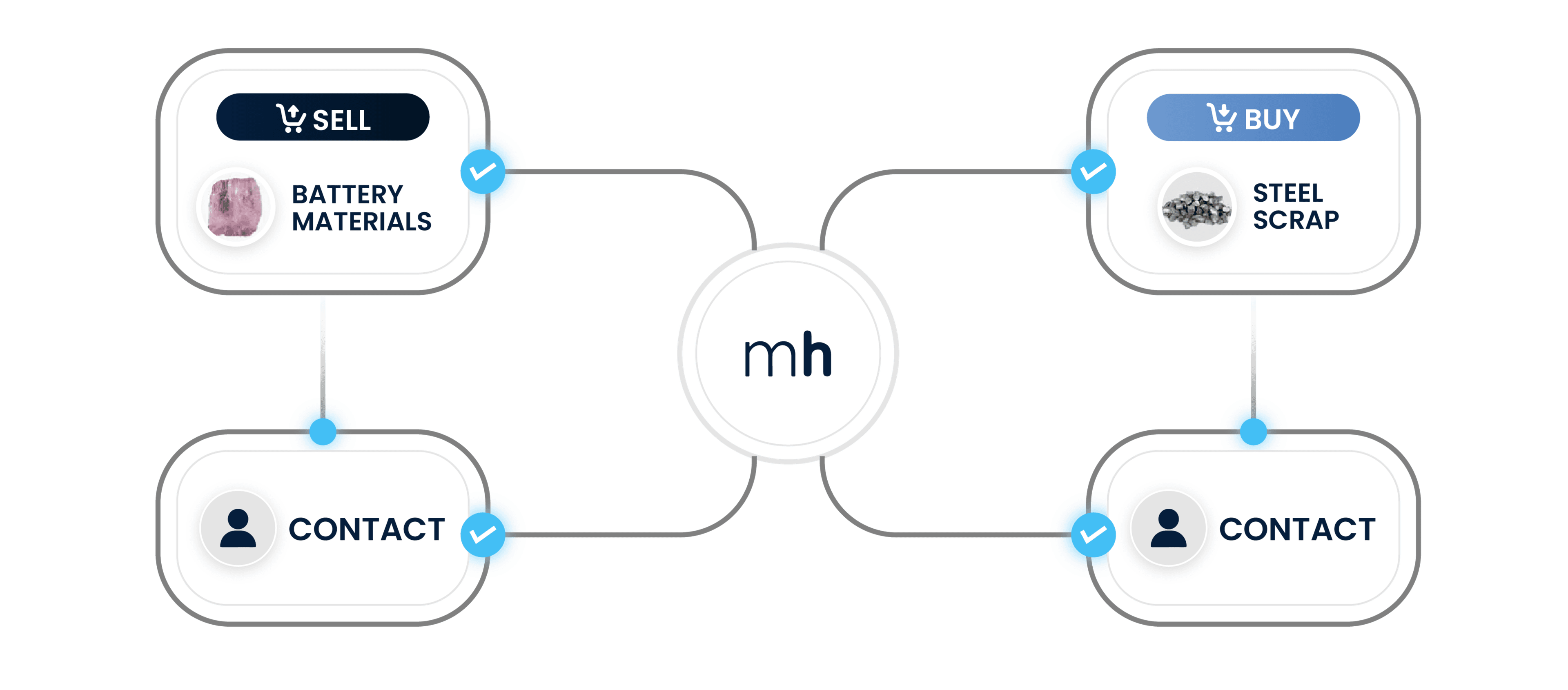
Relationships acts as your SRM for procurement and your CRM for sales. Companies that both buy and sell can manage all counterparties through a single, structured interface.
Assign products, purpose, and states.
Link counterparties to specific products, define whether you buy or sell, and manage relationship and risk states through configurable workflows.
Use relationship data across workflows.
Apply curated relationship data, counterparty analytics, and internal notes to enquiries, invite lists, compliance checks, and ongoing relationship oversight.
KEY BENEFITS
Clear Ownership. Better Decisions.Clear Ownership. Better Decisions.

Single source of truth for counterparties
Maintain a structured, company-owned view of all buyers and sellers you work with and discover new counterparties while managing your list independently.

Product-level relationship clarity
Manage relationships at product level instead of relying on generic company classifications.

Stronger control over risk and compliance
Track risk states and certificates consistently across counterparties and products.

Cleaner sourcing and invitation workflows
Ensure only relevant, approved counterparties are included in enquiries and negotiations.

Reduced data duplication and confusion
Eliminate mirrored, bi-directional links and fragmented CRM/SRM logic.

Better preparation for analytics and audits
Structure relationship data in a way that supports downstream reporting and compliance reviews.
Key Features
A Dedicated Relationship Management LayerA Dedicated Relationship Management Layer
Product-Level Relationships
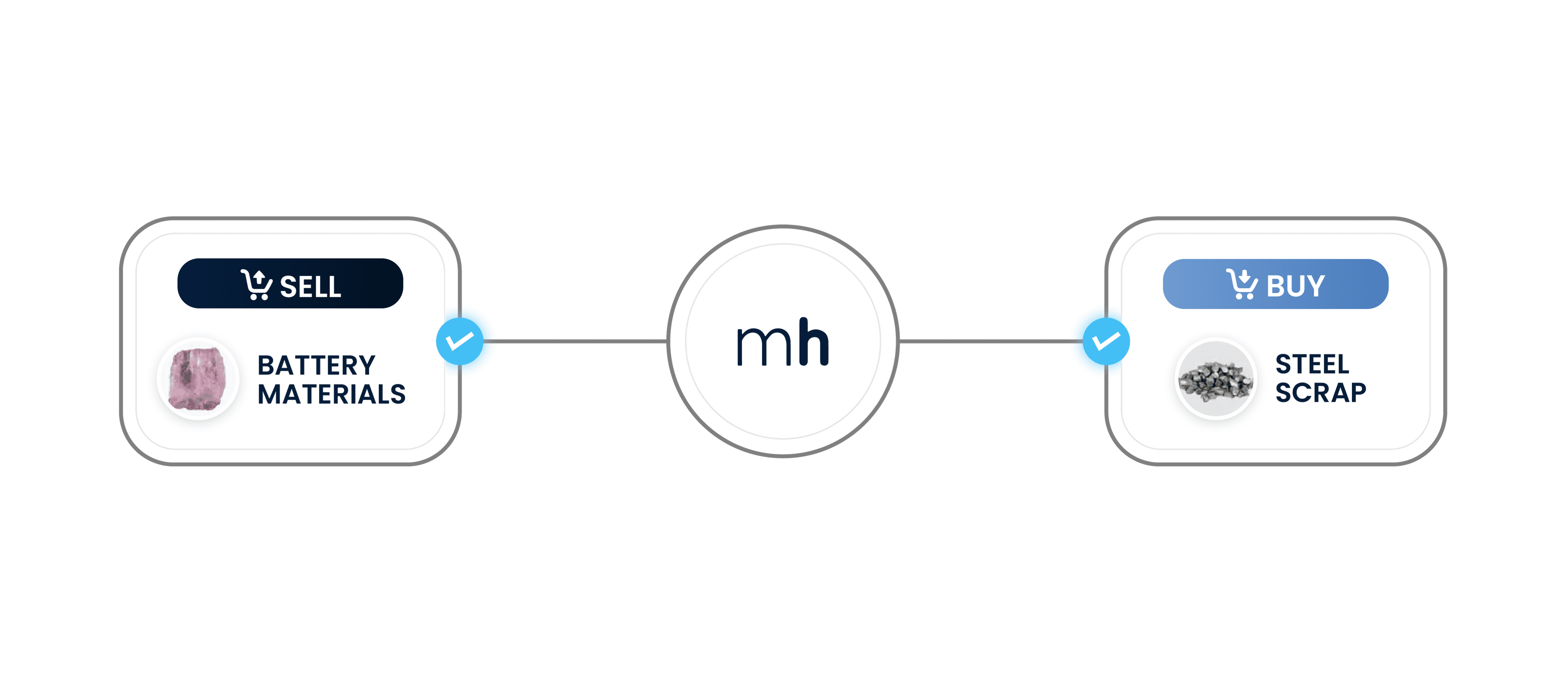
Define relationships by product and purpose. Assign whether a counterparty is relevant for buying or selling a specific product, in a single unified view.
Customisable States & Workflows
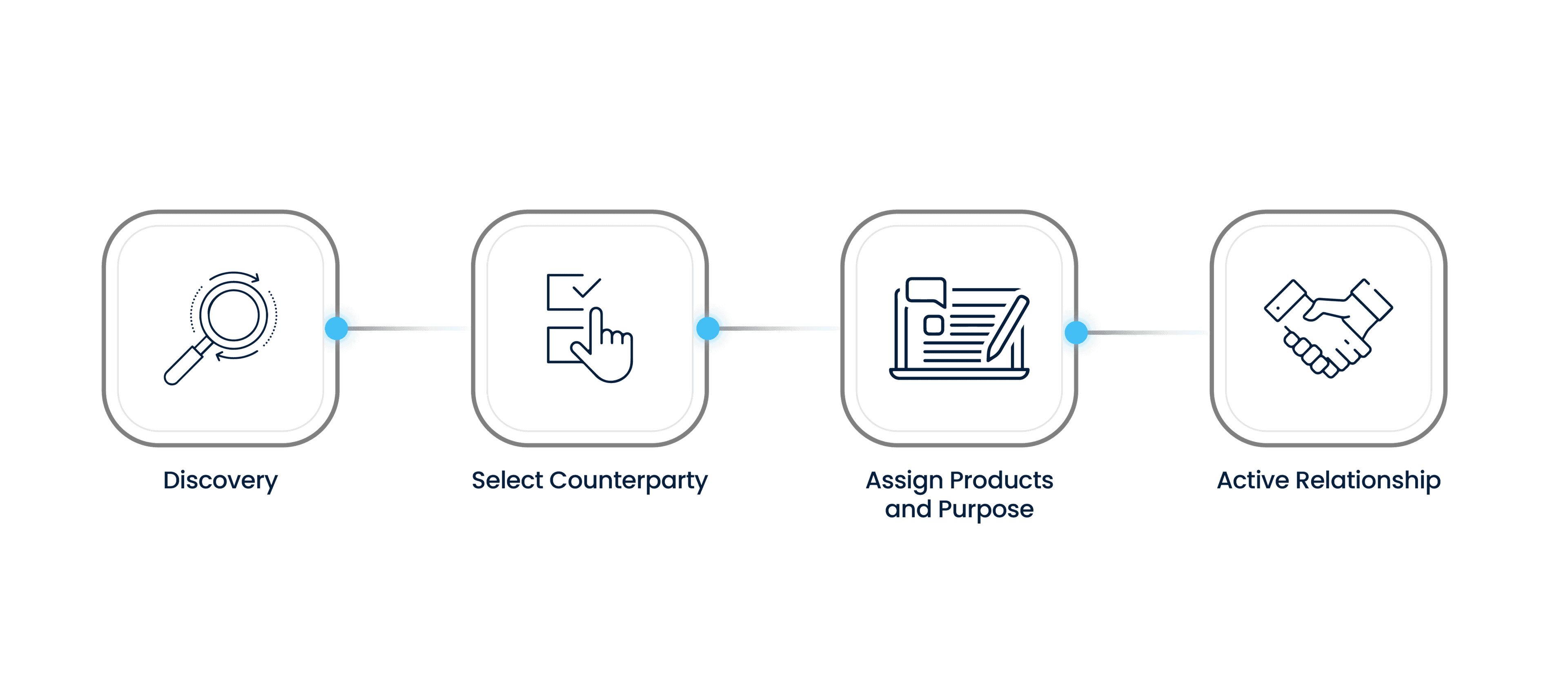
Configure product onboarding and risk states to match your processes. Define the initial onboarding states, allowed transitions, and rules for determining whether a counterparty is onboarded and included in default invite lists.
Risk States & Certificate Visibility
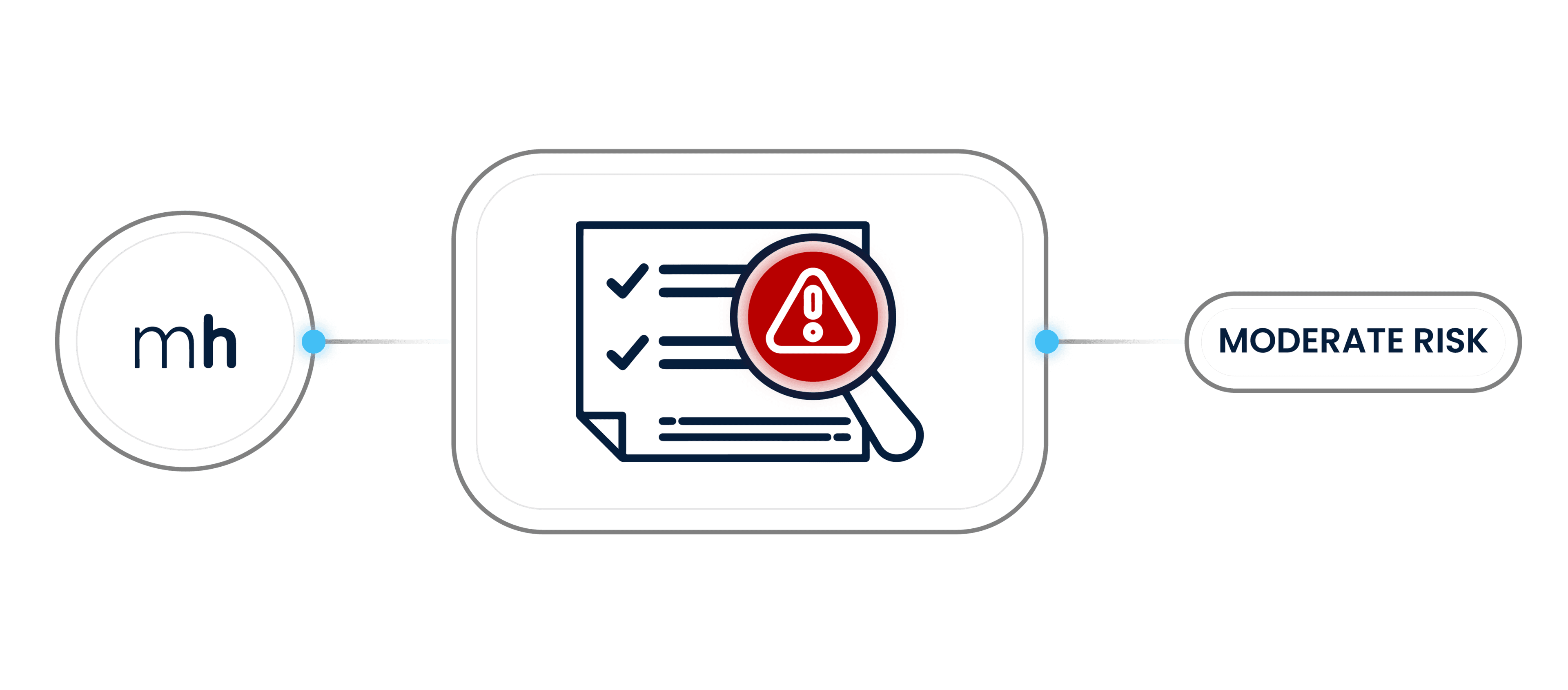
Track counterparty risk with configurable visibility. Assign risk states, optionally display them as chips on dashboards and company cards, and get notified when counterparty's certificates are about to expire.
Contact Person Management
Maintain full control over relationship contacts. Edit and assign contact persons per product or in bulk, without relying on counterparties to manage contact data.
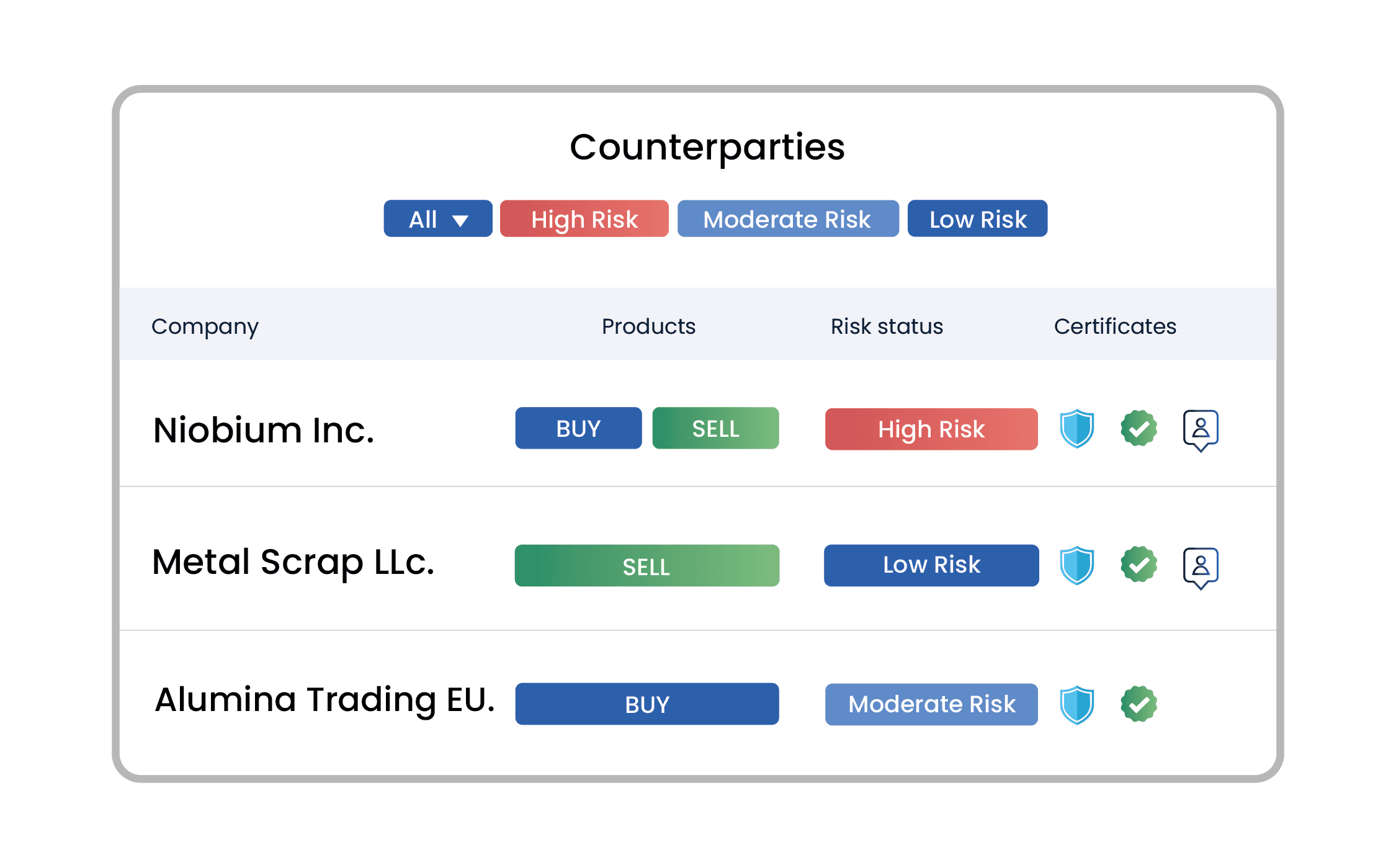
Company Dashboard
View your entire counterparty landscape at a glance. See companies, relationship products, risk status, and certificates in one consolidated interface.
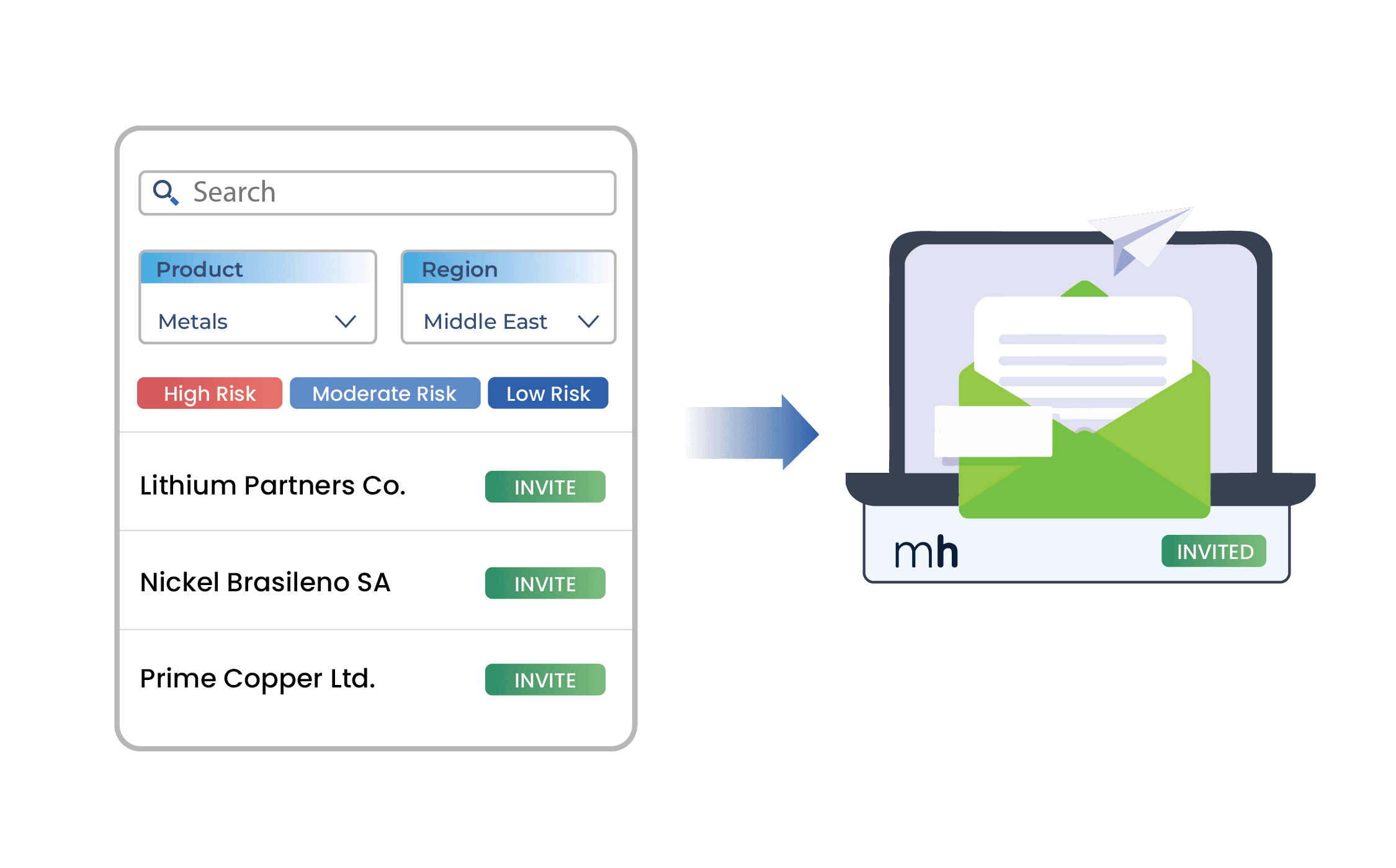
Discovery & Invitation Flow
Find and onboard new counterparties efficiently. Search existing companies, invite new ones, and ensure consistent role assignment throughout the onboarding process.
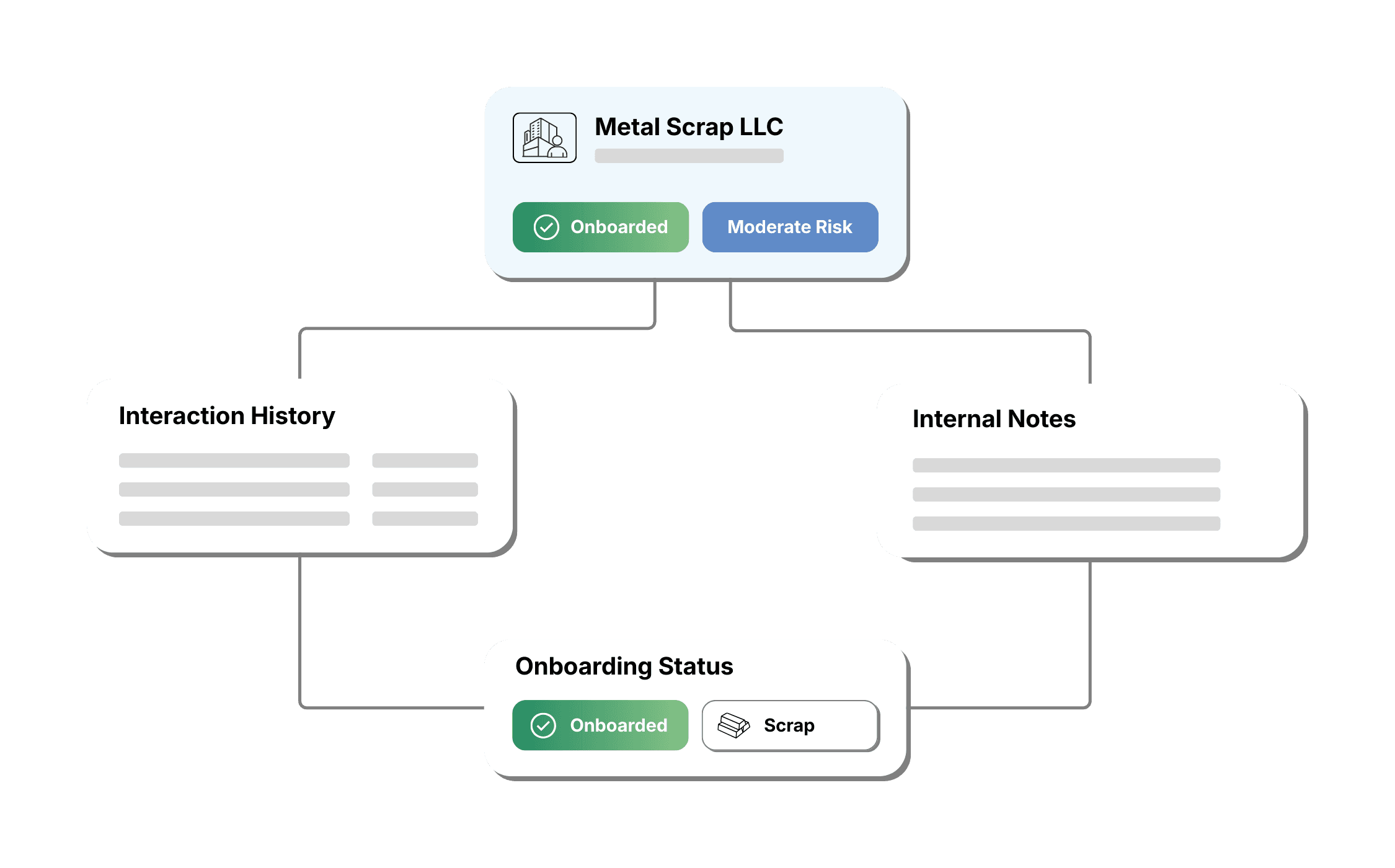
Counterparty History & Interaction Tracking
Capture context beyond transactions. Add internal notes and track key interactions at the relationship and product level so teams understand onboarding status, past discussions, and supplier/buyer history when evaluating offers and making decisions.
Metalshub Relationships
Technical DetailsTechnical Details
- Purpose logic: Buy and sell purposes are defined by the list owner and applied at product level.
- Configurability: Product and risk state workflows are fully configurable per company.
- Data continuity: Legacy CRM/SRM relationships can be migrated with clear rules to preserve ownership and relevance.
- Data security: All relationship data is securely stored, access-controlled, and visible only to authorised users. Aggregated data may be used for analytics without exposing individual company relationships.
Customer Success Stories
What Our Customers SayWhat Our Customers Say
Customer Spotlight

Spanish foundry Ebroacero used Metalshub to centralise and structure supplier relationships, improving communication and consistency across its sourcing processes. By digitalising relationship management, the company strengthened supplier engagement and reduced friction throughout the source-to-contract lifecycle.

Ready for More Information?
Discover how Metalshub can streamline your procurement, sales, or tolling processes. Contact us and book your demo now for a firsthand look.